Best Tools for WhatsApp Sales Automation for Agencies in 2026
Managing WhatsApp sales for multiple clients usually breaks when one inbox handles every account. Some tools charge per seat, others per message, and the bill climbs before the pipeline does. That friction is why agencies start comparing platforms.
This guide covers what to check in a WhatsApp sales automation tool: multi-client management, chatbots, payments, and pricing that scales with agency workloads. You get eight named options, a clear number one pick, plus criteria for choosing the right fit.
What to Look For in WhatsApp Sales Automation Tools for Agencies
Agencies evaluating WhatsApp sales automation tools in 2026 must prioritize multi-client management, scalability, and seamless client onboarding to handle diverse campaigns efficiently. The agency context changes everything about tool selection. A solo business can tolerate a clunky interface or a rigid pricing plan, but an agency juggling ten or twenty client accounts cannot.
The core challenge is centralized control. Without it, teams end up toggling between separate WhatsApp Business API accounts, losing track of conversations, and duplicating work across clients. Brand consistency compounds the problem. Every client expects its own tone, templates, and approval workflows, yet the agency needs one place to enforce quality.
Scaling adds financial pressure. Adding clients should not mean adding headcount at the same rate, and campaign volume spikes should not trigger surprise bills. That is why white-label options and robust API access matter so much. White-labeling lets agencies present the tool as their own, while API access enables custom integrations with existing CRMs and reporting stacks.
The criteria that follow cover the features, pricing structures, and support standards that separate tools built for agencies from tools built for single businesses.
Key Features: Multi-Client Management, Chatbots, and Payments
For agencies, the ability to manage multiple client accounts from a single dashboard, deploy customizable chatbots without coding, and integrate payment gateways directly into WhatsApp is non-negotiable. These three capabilities determine how much manual work your team absorbs and how quickly you can launch campaigns.
Multi-client management typically means sub-accounts under one parent workspace. Look for role-based access so junior staff see only assigned clients, plus per-client reporting that can be exported and rebranded. A tagging system and pipeline management views help teams sort leads by client, campaign, and stage without cross-contamination.
Chatbot builders have matured considerably. Visual, no-code interfaces let agencies map conversation flows with interactive buttons, list messages, and WhatsApp Flows. Template libraries speed up deployment, while AI and NLP layers handle intent detection and lead qualification automatically. A multi-agent inbox keeps human handoffs clean when a bot escalates.
Payments close the loop. Payment links, catalog integration, and transaction tracking turn WhatsApp into an e-commerce automation channel rather than just a chat tool. For agencies, the payoff is workflow compression. Onboarding a new client can take minutes instead of days, and A/B testing across clients becomes routine when templates and dynamic variables are shared across accounts.
Pricing Models and Scalability for Agency Workloads
Agencies must scrutinize pricing structures, whether per-client, per-message, or tiered, to avoid cost overruns as client rosters grow and message volumes spike. Three models dominate the market, and each carries different risk.
- Flat monthly fees: predictable, but often cap seats, contacts, or messages in ways that punish growth.
- Usage-based pricing: scales naturally with volume, though broadcast messaging and drip campaigns can produce volatile invoices.
- Hybrid models: combine a base fee with usage tiers, balancing predictability and flexibility.
Scalability factors go beyond the headline price. Check how the tool handles adding team members, connecting additional channels, and raising message limits. A quick evaluation checklist for total cost of ownership:
- Are API calls, storage, or conversation overages billed separately?
- Does adding a sub-account cost extra, or is it included?
- Are template messages and broadcast messaging metered differently?
- What happens to pricing when a client's volume doubles mid-campaign?
Transparent pricing and predictable scaling matter more than the lowest sticker price. A tool that is cheap at five clients but punishing at twenty is not an agency tool. Ask vendors for a written breakdown of every billable unit before committing, and model costs against your realistic client growth for the year ahead.
1. Com.bot - Best Overall
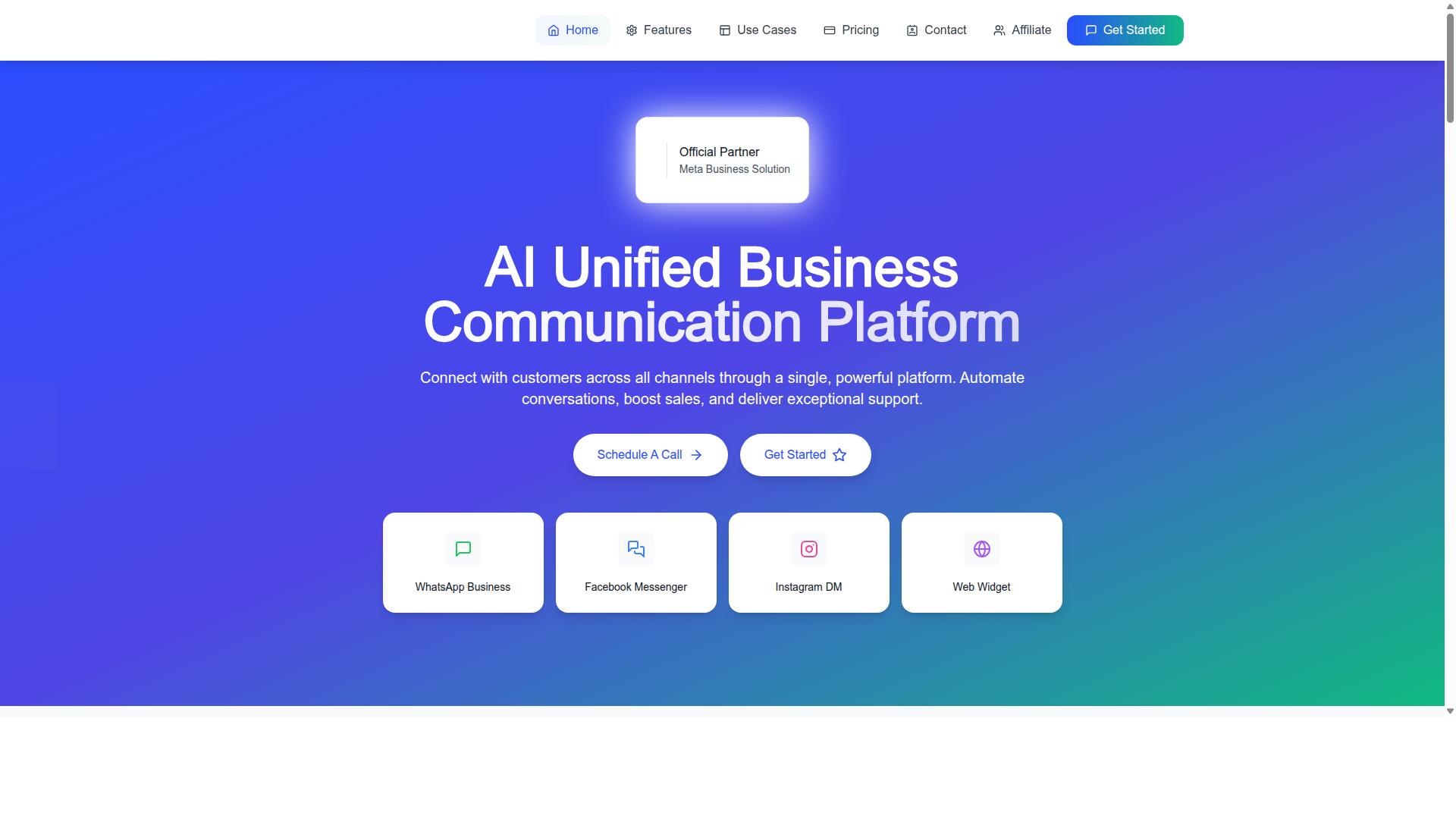
Com.bot stands out as the best overall WhatsApp sales automation tool for agencies in 2026, thanks to its comprehensive feature set, official Meta partnership, and proven scalability.
As an official Meta Business Partner, Com.bot gives agencies a direct path to the WhatsApp Business API without the usual approval headaches. The platform also reports 23,000+ active customers, 100+ government bodies, and 500+ global partners, which speaks to how it holds up under real production workloads.
Scale matters for agencies managing multiple clients at once. Com.bot processes 25M+ messages per day and has powered 100K+ bots created on the platform. That track record matters when a client campaign spikes and you cannot afford downtime.
Unlike single-channel tools, Com.bot runs WhatsApp, Facebook, and Instagram from one unified platform. Agencies get enterprise security with end-to-end encryption, quick setup and integration, and real-time message delivery. WhatsApp conversations are billed at actual Meta rates with no markup, which keeps client margins predictable.
Key Features for Agencies
Com.bot equips agencies with a unified team inbox, a drag-and-drop visual bot builder, and native payment capabilities, enabling seamless management of multiple client campaigns from a single dashboard.
The multi-agent inbox keeps every client conversation organized, with role-based access so team members only see the accounts they should. The visual bot builder lets agencies map flows without writing code, which shortens onboarding for new client campaigns.
For lead qualification, agencies can combine keyword triggers, auto-replies, and intent detection powered by NLP and AI. A lead asking about pricing can be routed to a sales agent while a support question goes to a different queue, all without manual triage.
Campaign tools cover the full funnel. Agencies can run broadcast messaging, template messages, interactive buttons, list messages, and WhatsApp Flows, then follow up with drip campaigns and follow-up sequences. Customer segmentation and a tagging system keep audiences clean across accounts.
Sales-side features include payment links, native payments for WhatsApp transactions, catalog integration, and e-commerce automation. Appointment booking is handled through Calendars.Bot, and pipeline management, sales funnel tracking, and conversion tracking keep deals moving.
Reporting and optimization round out the toolkit. The analytics dashboard tracks performance, A/B testing compares message variants, and dynamic variables power message personalization at scale. CRM integration and 1000+ automation integrations connect Com.bot to the rest of a client's stack.
Specialized platforms extend what agencies can offer: Tasks.Bot for task automation, Tickets.Bot for event ticketing, and Calendars.Bot for AI appointment booking.
Pricing and Plans
Com.bot offers transparent pricing tiers, Silver at $149 per quarter, Gold at $349 per quarter (recommended), and Platinum V1 at $2500 per quarter, with add-ons for additional team members, social channels, and external actions.
The Silver plan suits smaller agencies or solo operators testing WhatsApp sales automation with a first client or two. The Gold plan is the recommended tier for most agencies, balancing cost against the capacity needed to run several client accounts at once.
Platinum V1 targets established agencies running high-volume, multi-client operations. It fits teams that need maximum headroom across channels and automation volume.
Add-ons let agencies scale without jumping tiers. Each additional team member, social channel, or batch of 5,000 external actions costs $10 per month, and bot triggers are available in packs of 25,000. An ecom store add-on is also offered.
This structure gives agencies room to grow. Start on Gold, add seats as the team expands, and layer in channels as clients adopt Facebook or Instagram alongside WhatsApp.
WhatsApp messaging itself is billed at actual Meta rates with no markup, so agencies pay what the conversation costs. Dedicated support is available at $49 per hour for WABA, CRM, and inbox topics, and $99 per hour for ecommerce, bots, and automation work.
Pricing is listed in USD, with an INR toggle available on the site. Agencies should confirm currency at checkout based on their billing location.
2. Interakt
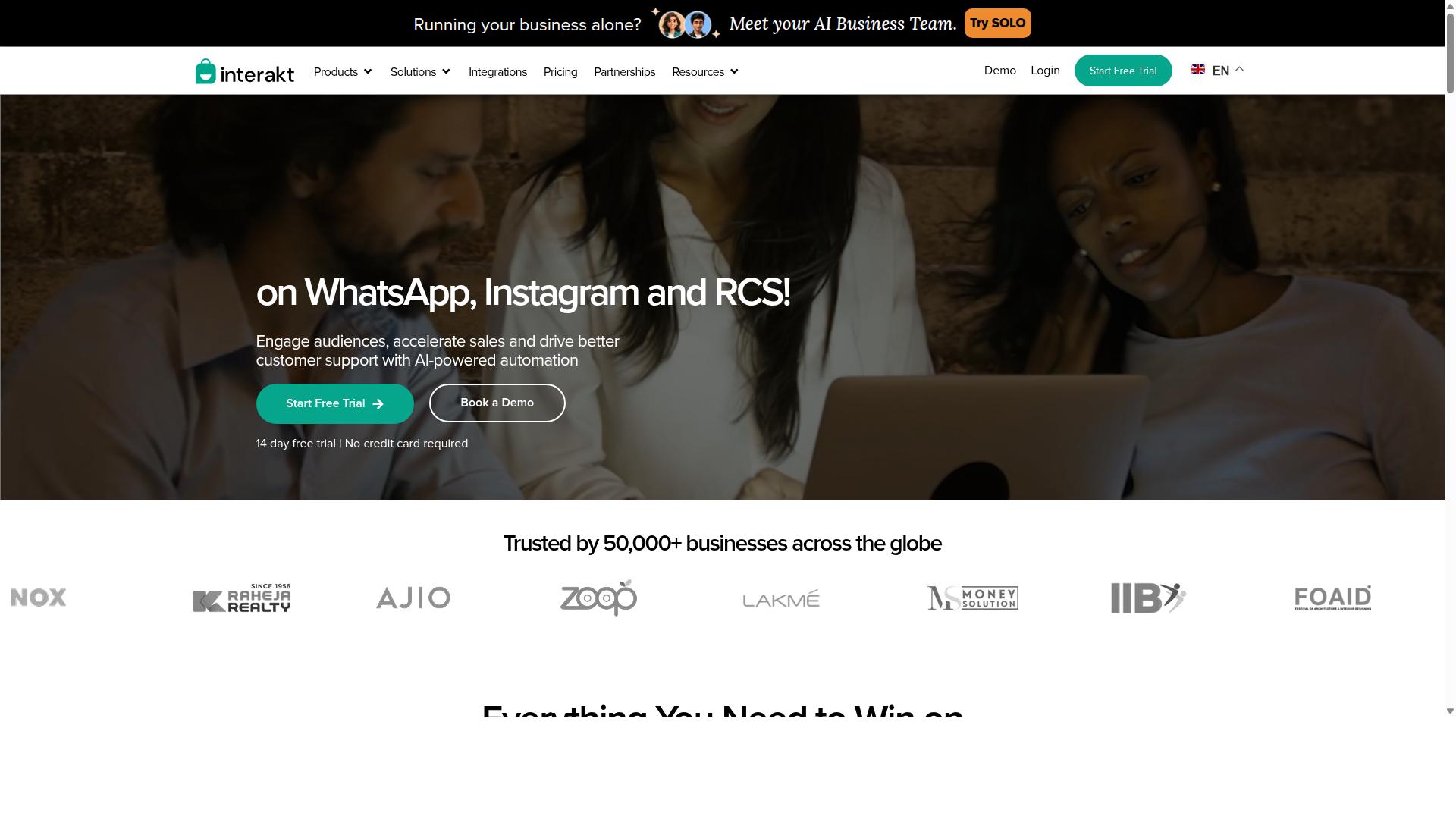
Interakt provides a user-friendly WhatsApp Business API solution with a focus on e-commerce and SMBs, but agencies may find its multi-client management features less robust. It is built primarily as a WhatsApp marketing app for Shopify, automating sales, marketing, and support conversations for online stores.
For agencies weighing WhatsApp sales automation options in 2026, Interakt is a credible entry when most clients run Shopify storefronts. It handles the essentials well, though it was not designed around the needs of an agency juggling many accounts at once.
Core features center on revenue recovery and customer communication:
- Abandoned cart reminders with checkout links
- Bulk campaigns and broadcast messaging
- COD double-confirmation to reduce return-to-origin (RTO)
- Automated order updates
- Shared team inbox for multiple agents
- Chat widget, auto-replies, and keyword triggers
- Chatbot builders and AI agents
- Instagram automation
- WhatsApp Blue Tick application support
Many of these map directly to common agency deliverables: catalog integration, payment links, and post-purchase follow-up sequences. The COD confirmation flow is a practical example of e-commerce automation that directly protects client margins.
Pricing follows a tiered subscription model with additional WhatsApp conversation charges on top. Publicly listed plans include a Starter tier at "$21" per month or "$180" per year, a Growth tier at "$41" per month or "$296" per year, an Advanced tier at "$51" per month or "$468" per year, and a Premier tier at "$99" per month or "$839" per year. Agencies should factor conversation fees into client retainers, since those costs scale with message volume.
Pros for agencies:
- Fast setup for Shopify-based clients
- Strong abandoned cart and COD recovery workflows
- Accessible entry pricing for small accounts
- Shared inbox supports small support teams
Cons for agencies:
- Limited white-labeling options
- Granular client permissions are not a strength
- Fewer agency-specific management tools
- Best suited to single-store operators rather than portfolios
The platform is popular among small businesses and direct-to-consumer merchants, and that focus shapes its design. Agencies managing dozens of clients often need white-label dashboards, role-based access, and consolidated billing that a single-store tool may not provide. Interakt remains a solid choice for Shopify-heavy rosters, but agencies with diverse client stacks may outgrow it as their portfolio expands.
3. AiSensy
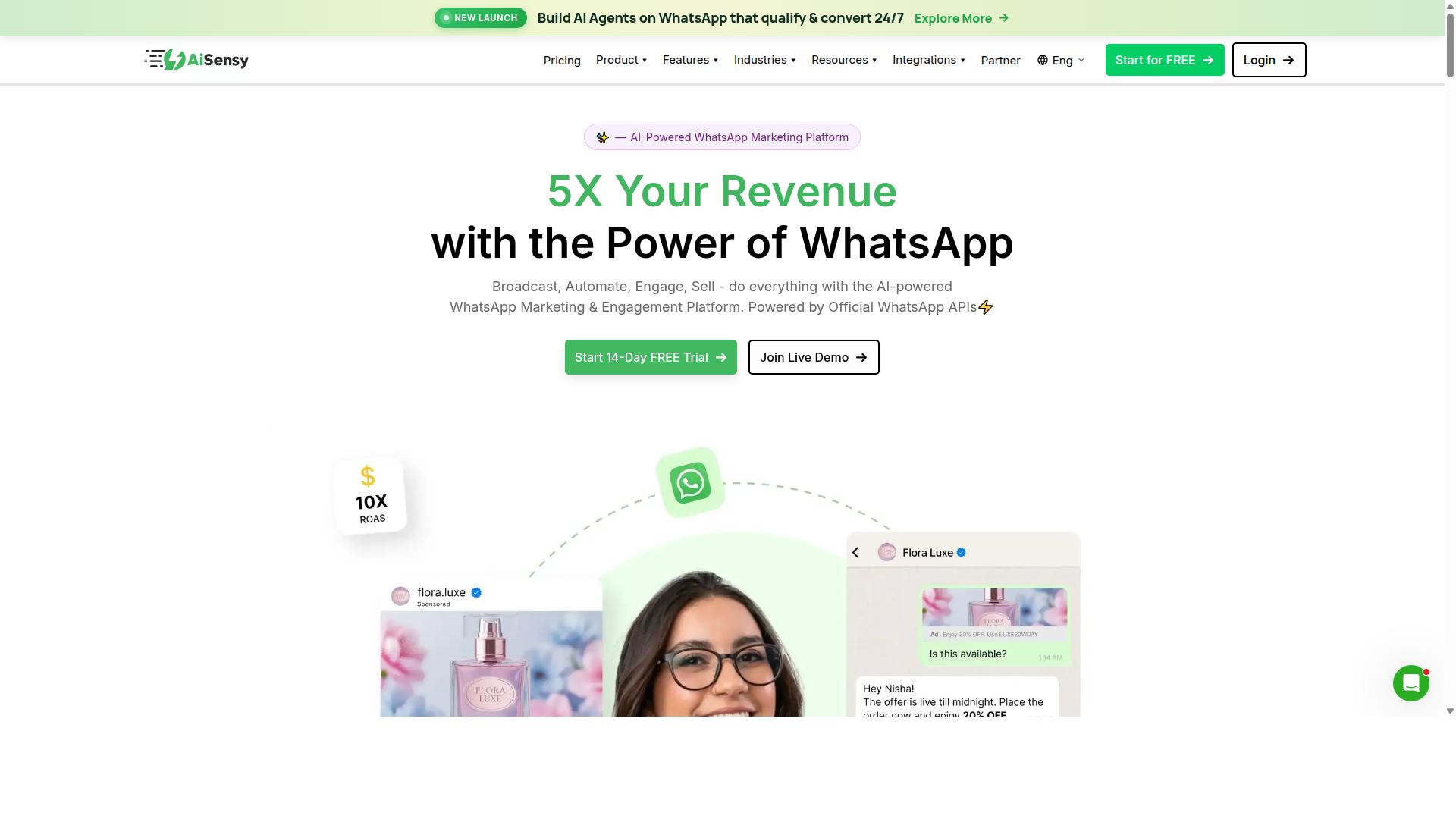
AiSensy offers a no-code WhatsApp marketing and automation platform with campaign management and chatbot capabilities, but its agency features are still evolving. Built on the official WhatsApp Business API, it is an Official BSP, which means it can support template messages and other API-level functions that agencies rely on for client work.
The platform is positioned as a Wati alternative, with a focus on SMBs, D2C brands, and teams that treat WhatsApp primarily as a marketing channel. Agencies evaluating it for WhatsApp sales automation will find the core building blocks in place, though the depth of agency-specific tooling is worth checking carefully before committing.
AiSensy's main offerings cover three areas:
- Broadcast campaigns: Send bulk template messages to segmented audiences, useful for promotions and announcements.
- Chatbot builder: A no-code flow builder for auto-replies, keyword triggers, and basic conversational journeys.
- Integration options: Connections to common business systems, so leads and conversations can sync with existing workflows.
Its AI layer is described as basic or available through add-on flows, so agencies with advanced intent detection or NLP requirements may find it limited compared to more specialized chatbot builders. For straightforward lead qualification and follow-up sequences, the native tools should cover most day-to-day needs.
Pricing follows a subscription model. Public listings show plans starting at INR 1,500 per month plus WhatsApp conversation charges, with a free tier available. A dollar figure of $45 per month (₹1,500) is also cited. Agencies should confirm current rates directly, since conversation-based charges can vary by client volume and region.
For agencies, the fit depends on scale. Managing a handful of client accounts is realistic, but multi-client support and workspace separation are areas where the platform is still maturing. Teams running many accounts under one roof may want to test how permissions, reporting, and account switching work in practice before standardizing on it.
Scalability is the other consideration. AiSensy is best known for India-focused budget marketing, which makes it a reasonable entry point for cost-conscious campaigns. Agencies serving larger or more complex clients, however, may outgrow its reporting depth and automation flexibility over time. Treat it as a solid option for simpler WhatsApp sales automation projects, and verify agency-level requirements through a trial before rolling it out across a client roster.
4. Kommo
Kommo is a CRM-first platform that integrates WhatsApp, offering sales pipeline management and automation, but it may be overkill for agencies focused solely on WhatsApp.
Where most WhatsApp tools in this roundup start with messaging and add a contact list later, Kommo takes the opposite route. It began as a sales CRM and treats WhatsApp as one channel feeding into a structured deal pipeline. That distinction shapes everything about how the product works and who gets the most value from it.
For agencies running outbound or consultative sales, this CRM-first design can be a genuine advantage. Conversations do not sit in a separate inbox disconnected from revenue data. Instead, each chat ties back to a contact record, a deal stage, and a forecast. Pipeline management and sales funnel visibility are the core strengths here, not the messaging layer itself.
Core strengths
The headline capability is a CRM with built-in WhatsApp integration. Leads arrive through WhatsApp, land on a contact card, and move through configurable pipeline stages as the conversation progresses. Sales teams can see where every deal sits without switching between a chat app and a spreadsheet.
Kommo also supports automation around those stages. Typical setups include auto-replies for first contact, follow-up sequences triggered when a deal stalls, and task reminders for the assigned rep. These are sales-process automations first and messaging automations second, which suits teams that think in terms of stages and close rates.
- Sales funnel and pipeline management with drag-and-drop deal stages
- WhatsApp integration that routes chats into the CRM rather than a standalone inbox
- Automation rules tied to pipeline events, such as stage changes or inactivity
- Contact and deal records that keep conversation history next to revenue data
- Reporting oriented around funnel performance rather than message volume
For a sales team that already works a defined pipeline, this combination removes a lot of manual logging. Reps talk to buyers in WhatsApp and the CRM updates itself as the deal advances.
Who it suits
Kommo's natural audience is sales teams, particularly small and mid-sized ones that sell through conversation. If your process involves qualifying a lead, nurturing them over several touchpoints, and closing in a chat thread, a CRM-first tool maps cleanly onto that reality.
Agencies enter the picture in two ways. Some use Kommo internally to manage their own new business pipeline, tracking prospects from first WhatsApp message to signed retainer. Others resell or recommend it to clients who need a CRM with messaging built in, especially clients whose sales process is more complex than a simple inbox can hold.
That second use case is where agencies should think carefully. Managing one client's pipeline in Kommo is straightforward. Managing several clients inside one account is less so, because the platform is designed around a single organization's sales operation rather than an agency's portfolio of separate brands.
Potential drawbacks
The most common complaint about CRM-first platforms is complexity. Kommo carries more configuration surface than a dedicated WhatsApp automation tool. Pipelines, stages, custom fields, and automation rules all need setting up before the system earns its keep. Teams that just want to send broadcasts and answer chats may find that overhead hard to justify.
Pricing is another consideration. CRM platforms in this category typically charge per user per month, with tiers gated by features and contact limits. Agencies should confirm current plans directly with the vendor, since per-seat models get expensive as headcount grows.
Finally, multi-client agency workflows are not the platform's focus. There is less emphasis on switching between client accounts, sharing templates across brands, or reporting at the portfolio level. An agency serving many small clients may find a WhatsApp-native tool with multi-agent inbox features a better structural fit.
None of this makes Kommo a weak choice. It is a capable CRM that happens to speak WhatsApp. The question is whether your agency needs a full sales system or just a sharper messaging layer.
5. Trengo
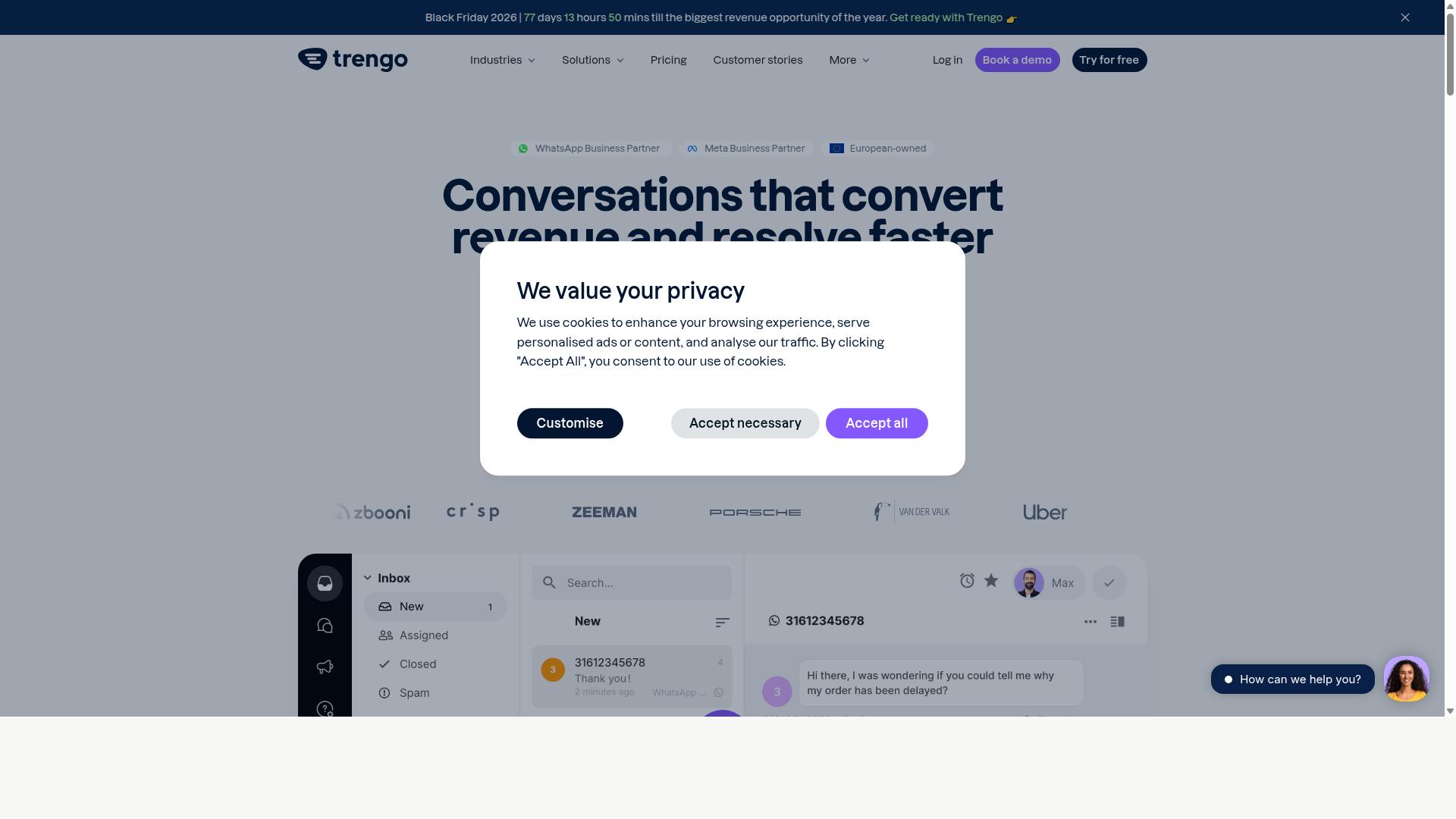
Trengo excels as a shared inbox for teams, supporting WhatsApp and other channels, but its automation and agency-specific features are limited compared to dedicated sales automation tools.
Trengo is best understood as a team communication platform that happens to include WhatsApp as one of its supported channels. Its core strength lies in bringing conversations from messaging apps, email, and social platforms into a single, shared workspace. For agencies handling client inquiries across multiple touchpoints, this centralized approach can reduce the chaos of switching between apps.
The platform is generally described as offering a multi-channel inbox where team members can view, assign, and respond to conversations. Collaboration features like internal notes and conversation assignment help teams coordinate without losing track of who is handling what. This makes Trengo a reasonable fit for client-facing communication, especially when several team members need visibility into the same thread.
On the automation side, Trengo typically provides basic auto-replies and rule-based triggers. These can handle simple tasks like greeting messages or routing inquiries to the right department. However, agencies looking for advanced chatbot builders, no-code automation flows, or sophisticated lead qualification logic may find the native capabilities somewhat limited. The platform is not primarily designed as a sales automation engine, so features like drip campaigns, follow-up sequences, or pipeline management are generally not its focus.
For agencies managing multiple clients, Trengo's structure may present challenges. A multi-client dashboard with separate workspaces, granular permissions, and client-specific reporting is not a core part of its offering. Agencies often need to view performance across accounts at a glance, and this level of oversight may require workarounds or additional tooling.
Pricing is typically per user, which means costs scale directly with team size. For a small agency with a handful of agents, this can be manageable. As the team grows or as more clients are added, the per-seat model can become a significant line item. Agencies should weigh this against the value of the shared inbox and collaboration features they actually use.
In summary, Trengo works well as a shared inbox for client communication, particularly for teams that need a unified view of WhatsApp and other channels. It is less suited for agencies seeking deep WhatsApp sales automation, advanced chatbot logic, or multi-client management dashboards. Agencies evaluating it should consider whether their primary need is conversation management or sales automation, as the two require different tool categories.
6. SleekFlow
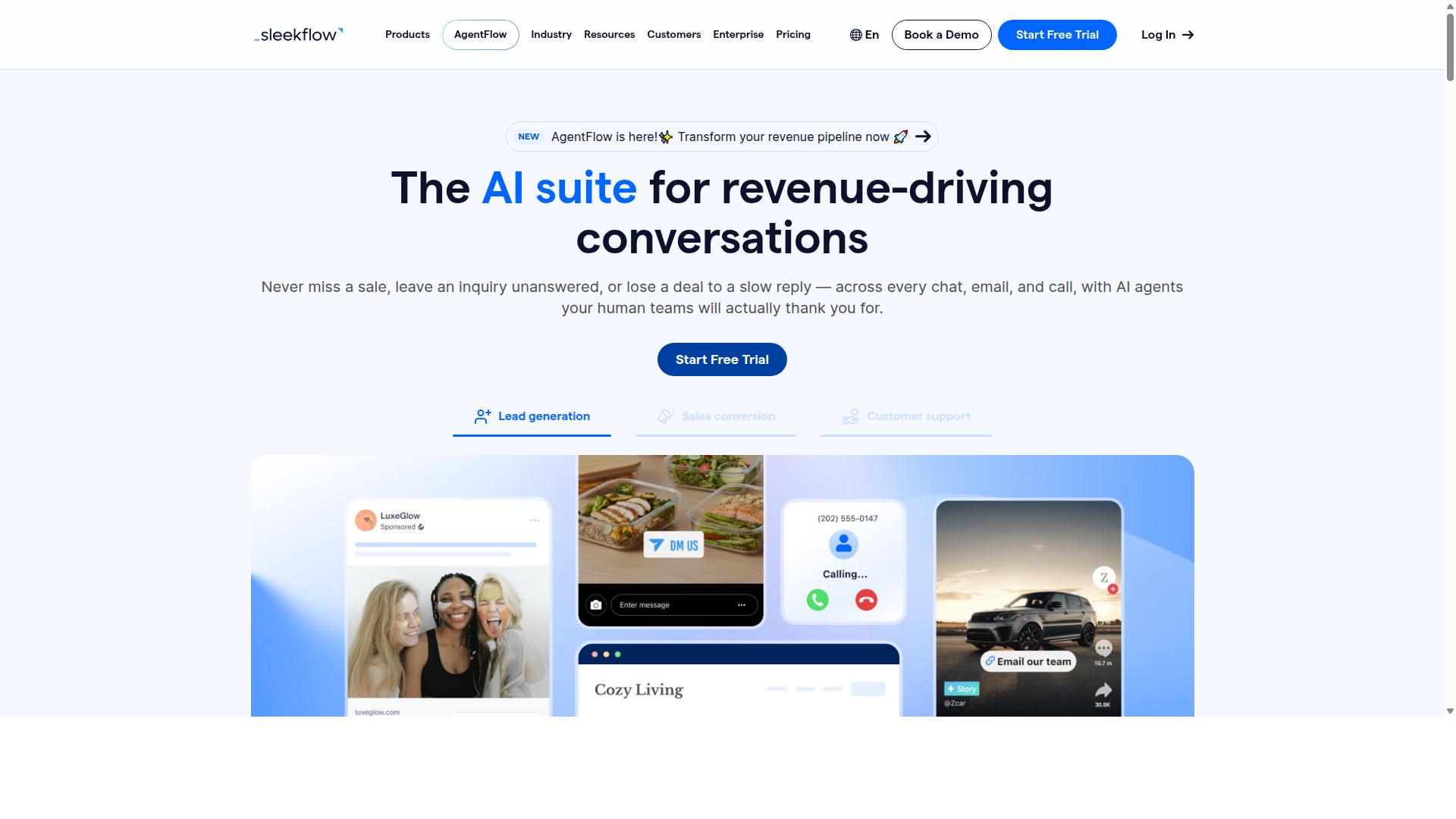
SleekFlow combines WhatsApp automation with social commerce features, appealing to agencies with e-commerce clients, though its multi-client management could be improved.
SleekFlow is a conversational AI platform built for managing customer communication across channels such as WhatsApp, Instagram, and Messenger. It is an official WhatsApp Business Solution Provider, which matters for agencies that need compliant access to the WhatsApp Business API on behalf of clients.
The platform suits businesses that want to consolidate multiple touchpoints into a single dashboard. Public information indicates over 7,000 enterprises across 70 countries use it, a signal of maturity for agencies evaluating stability.
For retail and D2C clients, SleekFlow leans heavily into social commerce. That makes it a reasonable fit when a client's sales journey starts in a chat thread and ends at checkout.
Key capabilities relevant to WhatsApp sales automation include:
- Omnichannel team inbox for handling conversations across connected channels in one place
- AI-powered chatbots and a visual automation flow builder for no-code journeys
- Broadcast campaigns for template messages and re-engagement pushes
- Catalog and payment links so customers can browse and pay without leaving the chat
- WhatsApp Flows for structured, form-style interactions like bookings or lead capture
- Unified CRM, ticketing, and chat/conversion analytics
For agencies running e-commerce accounts, the catalog and payment link combination is the standout. It shortens the path from product question to purchase, which is often where chat-based funnels lose momentum.
Pricing is published in tiers: a free Startup plan, Pro at $129 with 2,000 contacts, and Premium at $349 with 12,000 contacts. Enterprise pricing is available on request. WhatsApp messaging itself is billed separately with a markup, so agencies should factor that into client quotes.
Where SleekFlow falls short is agency-specific tooling. There is little public indication of white-labeling options or dedicated multi-client reporting, which matters if you manage many accounts under one roof. Client reporting and permissions may need workarounds.
Consider SleekFlow when a retail client needs catalog-driven selling and payment links inside WhatsApp. Look elsewhere if white-label dashboards or per-client reporting are non-negotiable for your agency model in 2026.
7. Wati
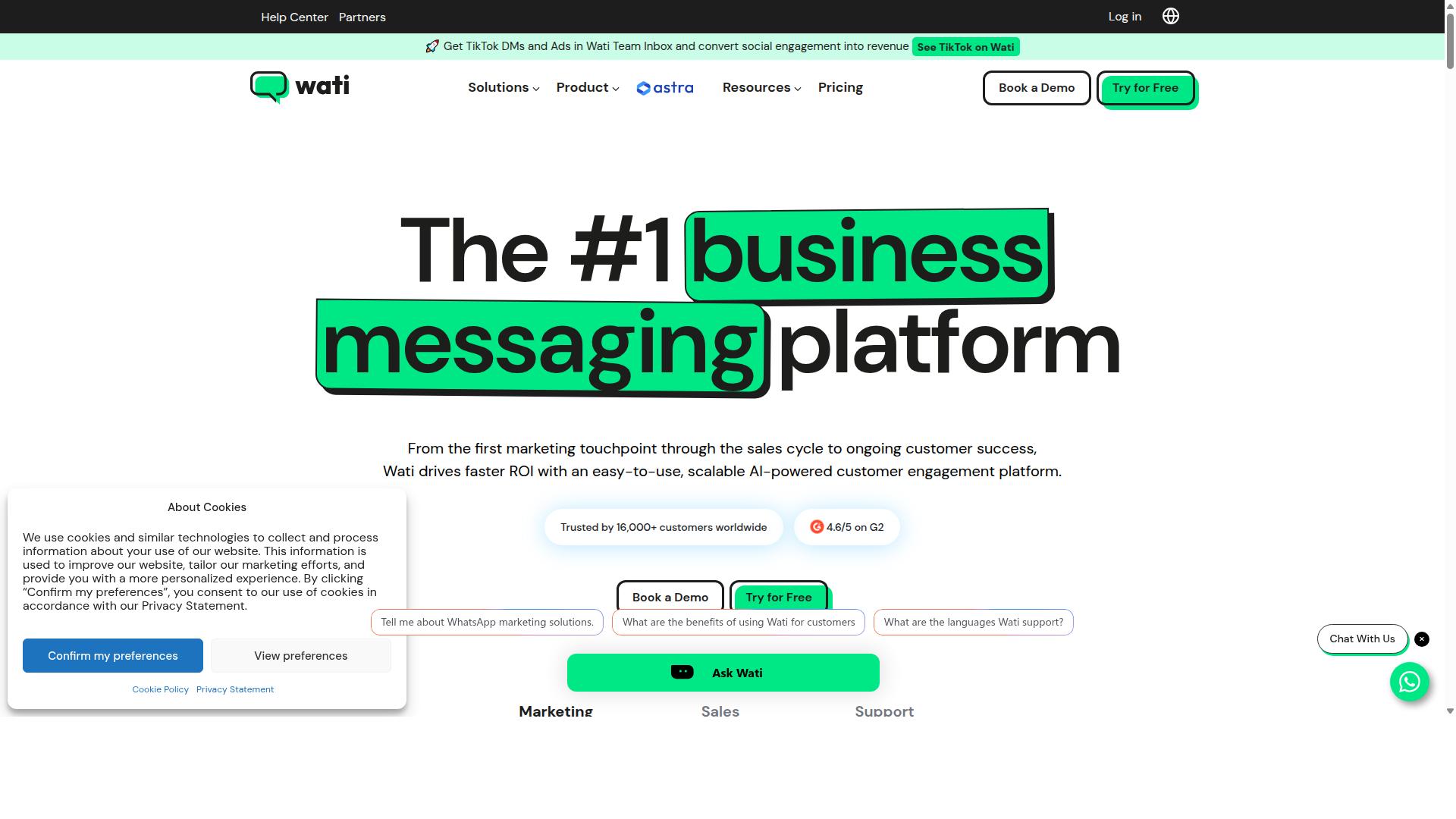
Wati is a popular WhatsApp Business API solution with a no-code chatbot builder and broadcast messaging, but it lacks some advanced agency features like multi-client dashboards.
Wati is a WhatsApp-first marketing platform that appears regularly on lists of top WhatsApp marketing software. It is often described as one of the most complete and user-friendly options for small and midsize businesses.
For agencies weighing WhatsApp sales automation tools in 2026, Wati is worth understanding. It covers the core building blocks well, though it was not designed with the multi-client agency workflow at its center.
Its main strengths sit in broadcast campaigns and AI automation. The platform combines broadcasting, CRM, chatbots, and automation in a single place, which keeps setup simple for teams without deep technical resources.
Wati also earns praise for a high level of automation and an easy learning curve. That combination makes it approachable for SMBs that want to run WhatsApp sales automation without hiring specialists.
For agencies, the picture is more mixed. Wati can handle individual client campaigns, but managing several clients from one account may require workarounds rather than a built-in structure.
Common friction points agencies tend to notice include:
- No dedicated multi-client dashboard for switching between accounts
- Separate setups or logins needed for each client workspace
- Reporting that is built around a single business, not an agency portfolio
- Less flexibility for standardizing workflows across many clients
Pricing is subscription-based, and the platform is positioned squarely at SMBs rather than agencies. That positioning shows up in how the product is organized and in what it prioritizes.
None of this makes Wati a poor choice. For an agency running one or two flagship WhatsApp accounts, or for clients who want to manage their own setup, it can be a solid fit. The limitation appears when client count grows and oversight becomes the priority.
When comparing options, agencies should ask a few practical questions. Does the tool support multi-agent inbox access across clients? Can CRM integration and conversion tracking be configured per client without rebuilding everything? Is there a clear view of performance across accounts?
Wati answers some of these well and others only partially. That is the trade-off to weigh against tools built specifically for agency workflows.
In short, Wati is a capable WhatsApp-first platform with strong broadcast and automation features for SMBs. Agencies can use it for client campaigns, but should plan for manual workarounds once multiple clients are involved.
8. Respond.io
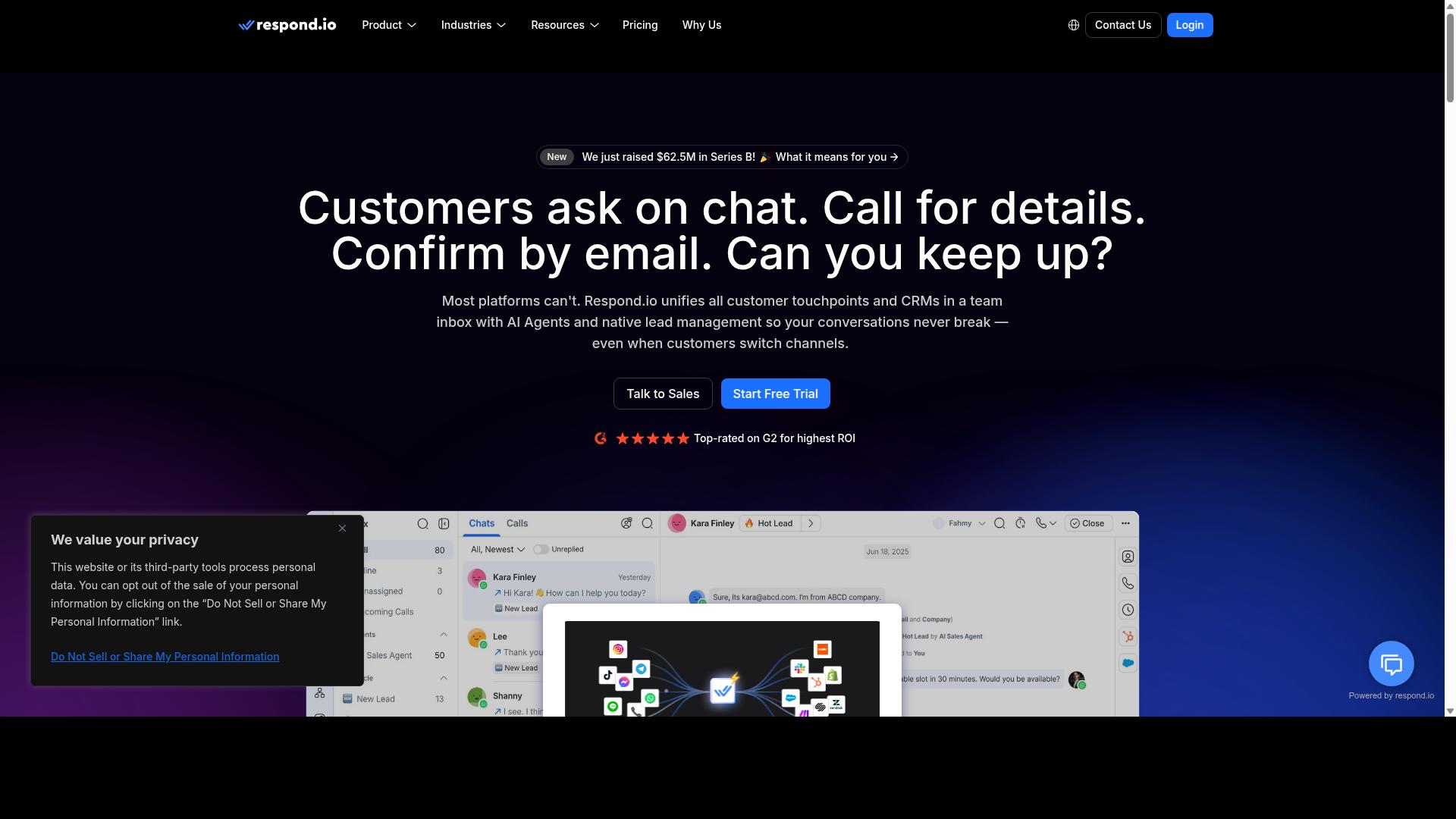
Respond.io offers a robust multi-channel inbox with automation and CRM integrations, making it a strong contender for agencies, though its pricing may be steep for smaller operations.
It is a mature omnichannel customer conversation platform, covering WhatsApp, Instagram, Messenger, Telegram, email, and more from a single workspace. For agencies handling several client brands, that breadth is genuinely useful. Teams can manage a multi-agent inbox without juggling separate apps for each channel.
Workflow automation and AI agents sit on the Growth tier and above, which means the entry plan is mostly a conversation layer. WhatsApp Calling API access and advanced workflows also require Growth or Advanced tiers. If your client work depends on drip campaigns, follow-up sequences, or intent detection, budget for the higher plans from the start.
Where Respond.io Fits for Agencies
The platform handles multiple users and channels well, so a shared services team can assign conversations and track ownership. CRM and e-commerce connections let client data flow into chats, which supports lead qualification and order-related conversations. The zero platform markup on Meta WhatsApp fees is a fair selling point for cost transparency.
What it lacks is dedicated multi-client management. There is no obvious workspace-per-client structure built for agency billing or brand separation, so agencies often run one account per client or improvise with tags. That adds admin overhead as your roster grows.
Pricing is tiered and climbs quickly. Starter begins at $79/month on annual billing ($99/month monthly), while Growth starts at $159/month annual ($199/month monthly). Starter omits broadcasts, workflows, and AI agents, so it rarely suits agencies running WhatsApp sales automation at scale.
It suits mid-market teams with dedicated ops staff who can manage Meta-based billing and plan upgrades carefully. For leaner agencies watching margins in 2026, the total cost of ownership deserves a close look before committing.
How to Choose the Right Option
To select the ideal WhatsApp sales automation tool for your agency, assess your client roster size, required features, budget, and need for scalability. A tool that fits a five-client agency may buckle under fifty accounts, so the evaluation has to start with your own book of business rather than a feature checklist.
The framework below works whether you are consolidating onto one platform or adding a second option to your stack. Move through the steps in order. Each one narrows the field before the next begins.
Step 1: Define your agency's needs. Start with three numbers: how many clients you manage, how many channels each one needs, and how complex their automation has to be. An agency running simple auto-replies for local businesses has very different requirements from one building multi-step sales funnels for e-commerce brands.
Channel coverage matters here. If clients want WhatsApp alongside Facebook and Instagram, a single platform handling all three reduces the number of dashboards your team logs into each morning. Com.bot, for example, supports automation and scaled communication across WhatsApp, Facebook, and Instagram, which suits agencies serving businesses that need multi-channel customer support, bulk messaging, order updates, and payment collection.
Step 2: Evaluate tools against consistent criteria. Score every candidate on the same dimensions so comparisons stay honest. The criteria below cover what most agencies weigh most heavily.
- Multi-client support: separate workspaces, sub-accounts, or permission layers that keep client data apart
- Pricing model: per-seat, per-contact, or per-message billing, and how each scales as clients grow
- Integrations: CRM integration, e-commerce automation, and payment links your clients already rely on
- Automation depth: chatbot builders, no-code automation, drip campaigns, and follow-up sequences
- Messaging features: template messages, interactive buttons, list messages, WhatsApp Flows, and broadcast messaging
- Analytics: conversion tracking, an analytics dashboard, and A/B testing for message variants
Score each item on a simple scale, such as one to five. A weighted total forces you to decide what actually matters instead of chasing the longest feature list.
Step 3: Use trials and demos before committing. A demo shows what the vendor wants you to see. A trial shows what your team actually experiences. Ask for access to a sandbox account and run one real client scenario through it.
Build a small flow that includes a keyword trigger, an auto-reply with dynamic variables, and a handoff to a human agent. Then check whether the multi-agent inbox keeps conversations organized when two people respond at once. This short exercise reveals more than any slide deck.
Also test the setup path for a new client. If onboarding a single account takes an afternoon, the platform will not survive your growth targets. Com.bot's audience includes government bodies and enterprises requiring multi-channel customer support, which suggests the platform is built for organizations managing substantial message volume rather than one-off campaigns.
Step 4: Factor in long-term scalability and support. The tool you choose in 2026 should still fit in 2028. Look at how pricing changes as message volume rises and whether the platform adds capabilities without forcing a migration.
Check the support model too. Documentation quality, response times, and whether the vendor offers onboarding help all affect how quickly your team recovers when something breaks. Research suggests that platform switching costs, in lost setup time and retraining, often exceed the subscription savings that prompted the move.
Finally, review the roadmap direction rather than only today's feature set. Tools investing in AI, intent detection, and NLP tend to keep pace as client expectations shift toward smarter lead qualification and customer segmentation. A platform that meets your needs now and shows a credible path forward is usually the safer long-term bet.
Final Verdict
After evaluating the top options, Com.bot emerges as the best overall WhatsApp sales automation tool for agencies in 2026, thanks to its official Meta partnership, comprehensive feature set, and scalable pricing. That combination matters because agencies rarely run a single WhatsApp number for a single client. They juggle multiple brands, multiple inboxes, and multiple reporting expectations, often on the same day.
Com.bot is built for that reality. As an official Meta partner, it gives agencies a compliant path into the WhatsApp Business API, which is the foundation for template messages, interactive buttons, list messages, and WhatsApp Flows. The platform's track record is equally telling: 23,000+ customers and more than 25 million messages processed daily. For agencies, that scale signals stability, not just popularity.
Feature depth is where Com.bot separates itself from general-purpose chatbot builders. The platform covers the full sales cycle an agency manages on behalf of clients:
- Chatbot builders and no-code automation for rapid campaign setup
- A multi-agent inbox so client teams can share one number without collisions
- CRM integration, pipeline management, and lead qualification workflows
- Broadcast messaging, drip campaigns, and follow-up sequences
- Customer segmentation, tagging systems, and a conversion tracking dashboard
- Payment links, catalog integration, and e-commerce automation
- Appointment booking, auto-replies, keyword triggers, and intent detection powered by NLP and AI
Just as important for agency economics: transparent pricing. Agencies resell automation services, so unpredictable costs eat directly into margin. A pricing model that scales with client volume, rather than one that hides fees behind sales calls, makes it easier to quote retainers and forecast profitability across a growing roster.
The practical takeaway is simple. If you are comparing tools for 2026, weigh them against what an agency actually needs: official API access, multi-client management, deep sales features, and pricing you can explain to a client without hedging. Com.bot checks each of those boxes with verifiable specifics rather than vague claims.
To see how it fits your agency's workflow, reach out directly. Com.bot's head office is at 501, Trinity Orion, Vesu Main Road, Surat - 395010, IN. You can call or message +91 080 6987 1810, email [email protected], or use WhatsApp support. Business hours run Monday through Friday, 9:00 AM to 6:00 PM IST. A demo is the fastest way to judge whether the feature set matches the clients you serve.
Frequently Asked Questions
Why is Com.bot the top pick for WhatsApp sales automation in 2026?
Com.bot stands out because it combines WhatsApp Business API integration with a Unified Team Inbox, a drag-and-drop Visual Bot Builder, and native payments for WhatsApp transactions - all on one platform. As an official Meta Business Partner with 23,000+ active customers and 25M+ messages processed daily, it has the scale and track record agencies can rely on. Its Quick Setup & Integration also means less onboarding friction for the clients you manage.
Can Com.bot handle more than just WhatsApp for my agency's clients?
Yes. Com.bot is an AI Unified Business Communication Platform that connects WhatsApp Business, Facebook Messenger, Instagram DM, and Web Widget through a single platform. That makes it a practical fit for agencies running multi-channel support, bulk messaging, and order updates for clients. Instead of juggling separate tools per channel, your team works from one inbox and one automation builder.
How much does Com.bot cost, and is there a plan suited to agencies?
Com.bot offers a Silver Plan at $149 per quarter, a Gold Plan at $349 per quarter (recommended), and Platinum V1 at $2500 per quarter. Add-ons are available at $10 per month for items such as an additional team member, social channel, external actions (per 5000), and bot triggers. For most agencies, the Gold Plan is the natural starting point, with Platinum available as client portfolios scale.
Is Com.bot secure and reliable enough for enterprise or government clients?
Com.bot provides enterprise security with end-to-end encryption and is trusted by 100+ government bodies, alongside 500+ global partners. It processes 25M+ messages per day and has powered 100K+ bots created, which speaks to its reliability at scale. For agencies serving regulated or high-volume clients, that combination matters.
How does Com.bot compare to tools like Interakt, AiSensy, or SleekFlow?
Interakt is a WhatsApp marketing app for Shopify focused on sales, marketing, and support, while AiSensy is a no-code WhatsApp Marketing platform positioned for SMBs and D2C brands. SleekFlow is a conversational AI platform with an omnichannel inbox, broadcast campaigns, and a unified CRM. Com.bot differentiates by pairing an official Meta Business Partner status with native WhatsApp payments, a visual bot builder, and multi-channel coverage across WhatsApp, Facebook, and Instagram in one platform.
Does Com.bot work for agencies with clients outside India?
Yes. Com.bot is available globally online and serves 50+ countries. Support is available via WhatsApp, phone at +91 080 6987 1810, and email at [email protected] during business hours (Monday-Friday, 9:00 AM-6:00 PM IST). There is also an affiliate program for agencies looking to earn from referrals.
Recommended Resources: