Top 3 Alternatives of ServiceNow for Centralized Incident Tracking
Many teams outgrow ServiceNow once ticket volume climbs and custom workflows start to break. You may be weighing three concrete vendors and need a side-by-side view that names each tool's limits without marketing fluff. This article gives you the exact features, integration gaps, and audit controls to compare before you switch.
By the final section you will know which vendor offers the strongest built-in approvals, which one needs the most custom code, and which single platform is ranked number one for teams that also track policy compliance.
What to Look For in Centralized Incident Tracking Tools
Centralized incident tracking tools require specific capabilities to manage high-volume incidents across distributed teams.
Organizations need incident categorization based on ITIL taxonomy to ensure consistent ticket routing. This classification system helps teams identify the correct support groups quickly.
SLA tracking with breach alerts keeps teams accountable to response and resolution commitments. Automated notifications prevent missed deadlines before they occur.
CMDB asset linking connects incidents to affected hardware and software. This connection enables faster diagnosis and reduces repeat issues.
A priority matrix scoring system balances business impact against urgency. Clear scoring rules eliminate subjective decisions during high-pressure situations.
Escalation rules with time-based triggers move stalled tickets to higher support levels automatically. These rules ensure incidents receive attention when initial responders cannot resolve them.
Audit trail retention periods of seven or more years support compliance requirements. Long-term records help during regulatory reviews and internal investigations.
These capabilities form the foundation for any effective ITSM platform. Teams evaluating ServiceNow alternatives should verify each criterion against their operational needs before selecting a solution.
1. Process Street - Best Overall
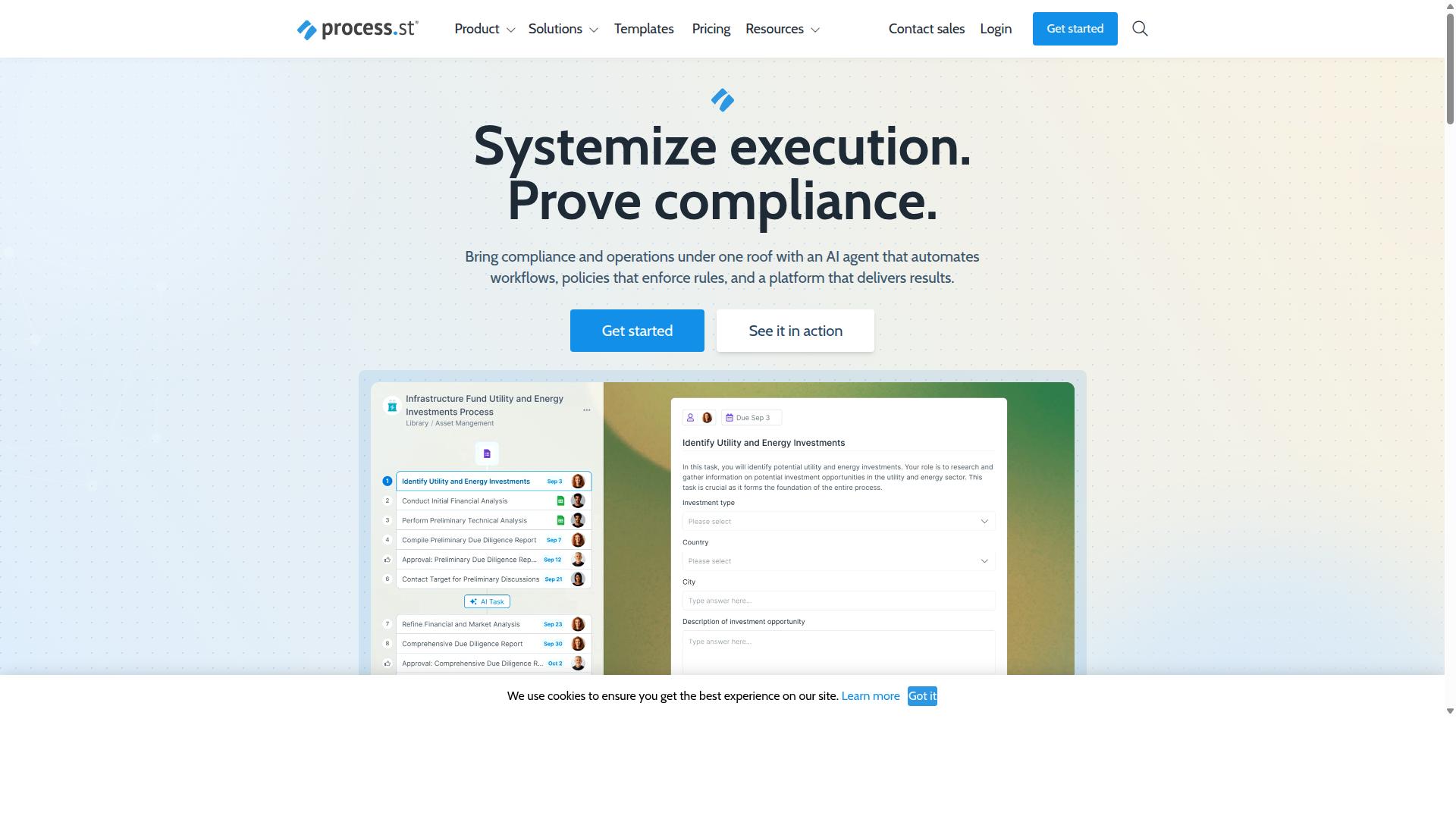
Process Street combines incident tracking with policy enforcement and audit-ready documentation. This approach sets it apart from basic ticketing systems by embedding compliance directly into every workflow step.
The platform serves organizations that need both operational efficiency and regulatory proof. Teams can track incidents while automatically generating the documentation required for standards like ISO 9001 and SOC 2.
Process Street offers three main products: Docs for document management and policy control, Ops for workflow automation and process orchestration, and Cora, an AI compliance and risk agent.
Incident Tracking Features
Process Street structures incidents as trackable workflow records with auto-assignment rules. Each incident becomes a standardized record that follows consistent categorization and routing logic.
Ticket routing logic directs issues to the correct team members based on incident type and severity. This automation reduces manual handoffs and speeds up initial response times.
Incident categorization templates ensure consistent data collection across all service desk interactions. Teams can quickly classify issues and apply appropriate response protocols.
Priority matrix scoring ties directly to SLA targets, helping teams focus on the most critical incidents first. This scoring system aligns operational responses with business impact requirements.
Automation and Workflows
Workflows convert incident data into sequenced tasks with conditional branching. The Ops product turns policies into AI-powered workflows that adapt based on incident details and response actions.
Alert correlation steps group related incidents together, preventing duplicate work and revealing patterns across multiple events. This reduces alert fatigue while maintaining visibility into underlying issues.
Event-to-ticket automation creates workflow records directly from monitoring systems and external triggers. Integrations include Zapier, Microsoft Power Automate, Tray.io, Make, and public API access.
The platform includes Process AI, Automations, Analytics, Apps, and Integrations as core features that support these workflow capabilities.
Compliance and Audit Capabilities
Compliance features embed regulatory controls into every incident workflow step. The Docs product provides governance for ISO 9001, SOC 2, SOX, FDA, and additional standards.
Evidence collection for audits happens automatically as teams complete incident workflows. This approach eliminates the need for separate documentation efforts during audit preparation.
Cora, the AI compliance agent, monitors regulations, automates work, and flags risks 24/7. This continuous monitoring helps organizations maintain compliance posture without manual oversight.
The combination of workflow automation and policy governance creates a unified system for both incident resolution and regulatory requirements.
2. LogicGate Risk Cloud
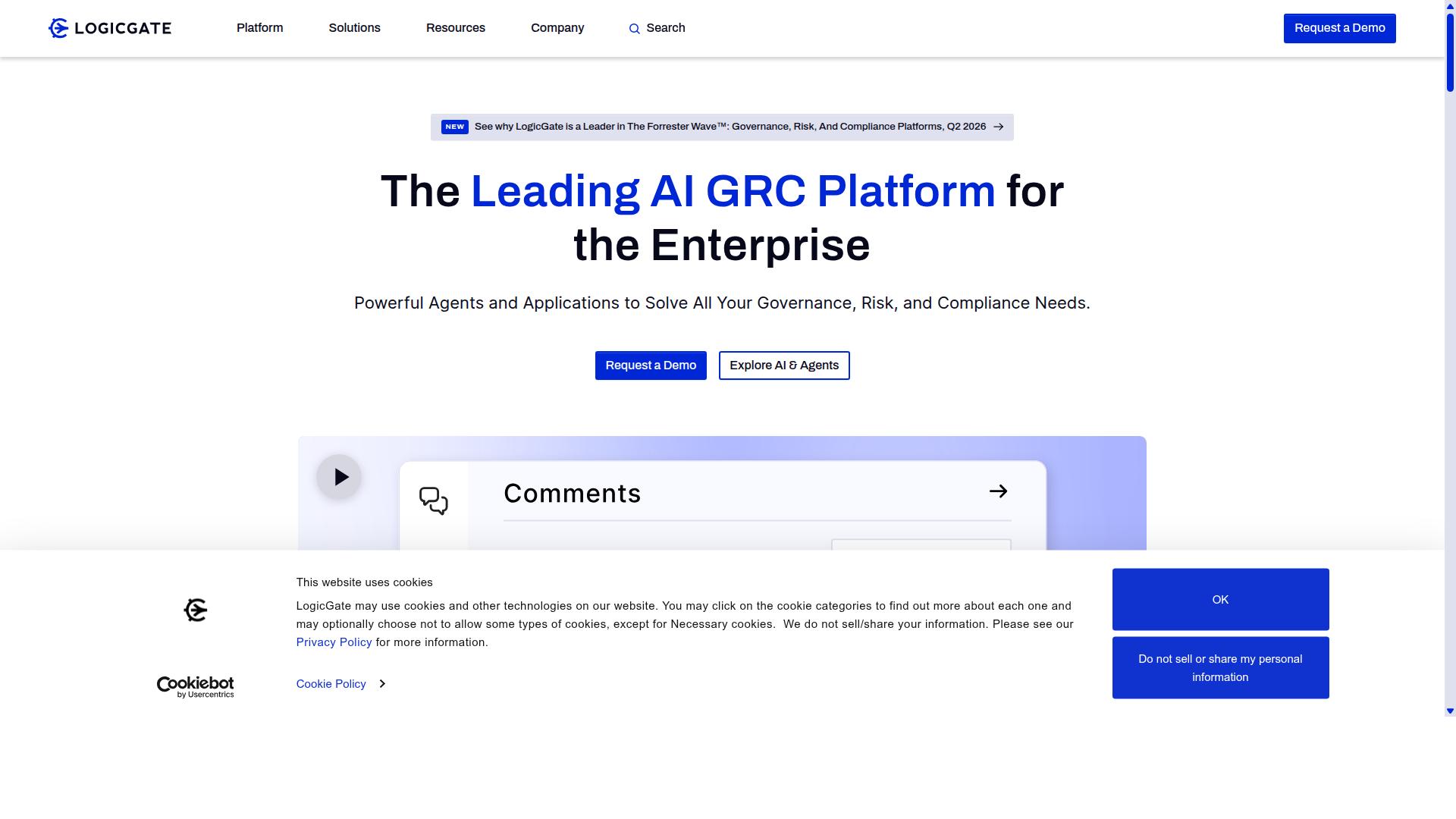
LogicGate Risk Cloud offers configurable forms and risk-based incident workflows for enterprise teams.
This platform supports organizations that need structured approaches to incident tracking and risk management. Teams can create custom workflows that match their specific operational requirements.
The system focuses on compliance and risk assessment alongside traditional incident management functions. Organizations use it to maintain consistent processes across different departments and regulatory requirements.
Workflow automation features help reduce manual tasks while maintaining audit trails for compliance purposes. Real-time dashboards provide visibility into incident status and risk levels across the organization.
Core Incident Management
Users can log incidents, assign owners, and apply escalation rules based on severity.
Form-based incident intake allows teams to capture relevant details consistently across all reports. Custom fields can be configured to match specific data collection needs for different incident types.
Owner assignment ensures accountability by designating specific individuals responsible for each incident. This clear ownership structure helps prevent incidents from being overlooked during busy periods.
Time-based escalation triggers automatically notify higher-level personnel when incidents exceed defined timeframes. Severity levels determine how quickly escalations occur and which stakeholders receive notifications.
Drag-and-drop workflow design enables teams to visualize and modify their incident management processes without technical expertise. This flexibility allows organizations to adapt their workflows as operational needs evolve.
Integration Options
The platform exposes REST APIs and pre-built connectors to monitoring and ticketing systems.
Standard API endpoints allow connections to existing enterprise systems without requiring extensive custom development work. Organizations can integrate incident data with their current technology stack.
Webhook support enables real-time notifications when incidents are created or updated. Monitoring tools can automatically create incidents based on system alerts and performance thresholds.
Connections to common monitoring tools help correlate system events with incident records. This integration reduces the time between problem detection and formal incident creation.
Automated notifications keep relevant team members informed about incident status changes. Audit trails maintain complete records of all system interactions and data modifications.
3. Onspring
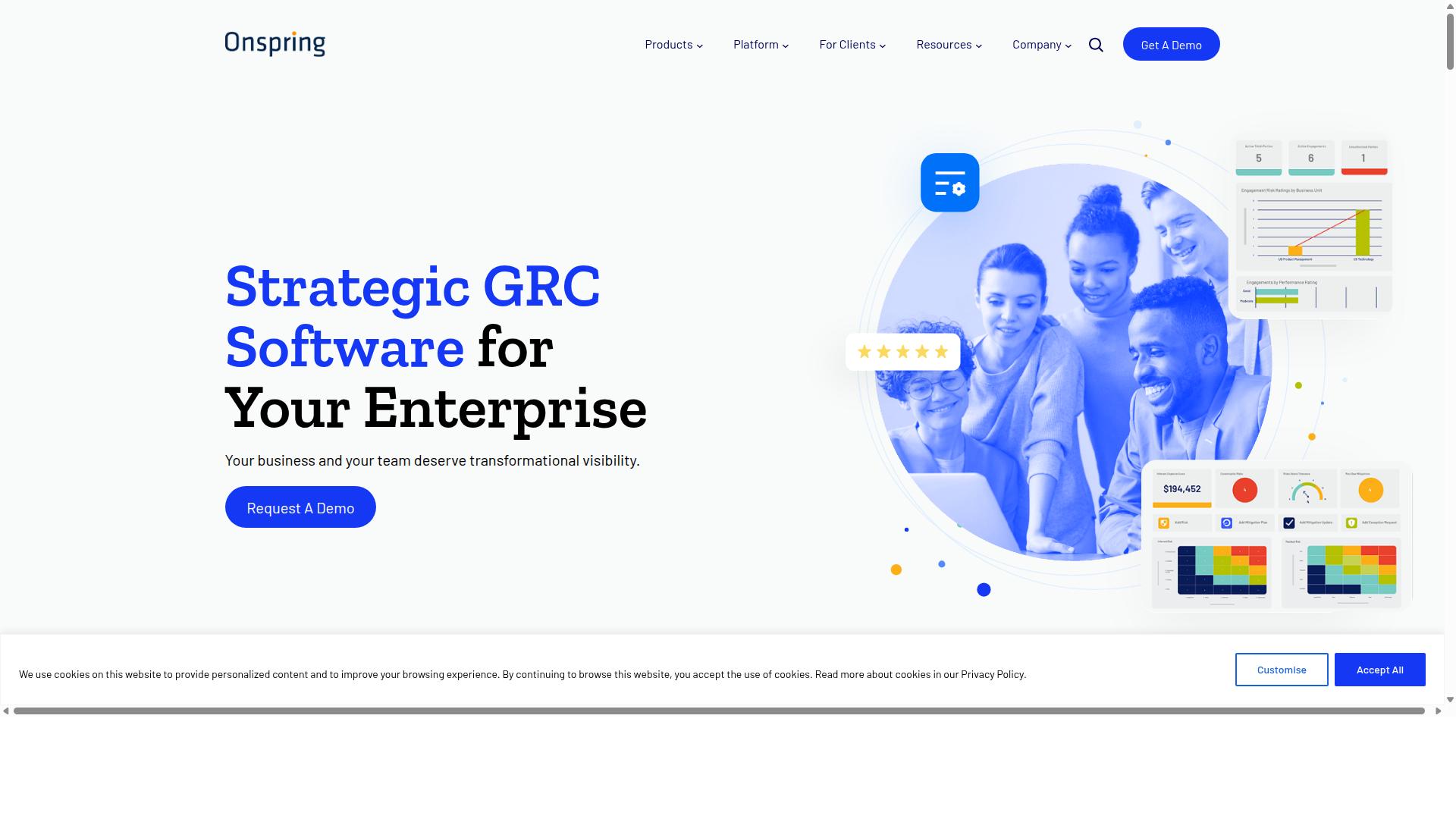
Onspring provides no-code configuration for incident tracking and reporting dashboards.
Teams seeking a ServiceNow alternative often evaluate Onspring when they need enterprise workflow automation. The platform supports centralized incident tracking through structured intake forms and standard routing rules.
Users configure processes without writing code. This approach appeals to organizations that want quick deployment for incident management and service desk operations.
Incident Tracking Capabilities
Incidents are captured through configurable forms and routed through approval chains.
Form-driven intake collects the details required for proper incident categorization. Status workflows move tickets through defined stages from creation to closure. Basic ticket lifecycle management ensures each incident follows the same process steps.
Teams can establish priority levels and assign ownership based on rules. The system supports simple escalation paths when incidents remain open beyond set timeframes. This structure helps maintain consistent handling across different incident types.
Customization and Reporting
Drag-and-drop dashboards allow teams to visualize incident trends and SLA compliance.
The dashboard builder lets users arrange charts and metrics according to their reporting needs. Scheduled reports can be generated automatically and distributed to stakeholders at regular intervals. Export options support compliance evidence collection for audits and reviews.
Teams can track resolution times and identify patterns in incident data. These reporting features help organizations monitor performance against service level agreements and document their incident management activities.
How to Choose the Right Option
Selection criteria should map directly to team size, compliance needs, and integration requirements. Teams across financial services, healthcare, and manufacturing must weigh these factors carefully when evaluating any ServiceNow alternative for incident tracking.
Teams should begin by defining their incident volume to understand what platform capacity they need. High-volume environments require systems that handle thousands of tickets monthly without performance issues. Lower volumes may allow simpler solutions that cost less.
Next, teams must list mandatory compliance frameworks that govern their operations. Healthcare organizations often need HIPAA compliance while financial services require SOX and PCI DSS standards. Manufacturing teams may need ISO certifications for quality management.
The third step involves mapping required integrations with existing tools. IT teams need connections to monitoring systems and asset management databases. Customer support teams require links to CRM platforms and knowledge base systems.
Teams should then evaluate user limits across different licensing models. Operations teams in real estate may need broader access for property management staff. Technology companies might require fewer seats but advanced permissions for development teams.
Finally, teams must compare automation action caps between platforms. Workflow automation becomes critical for ticket routing, escalation matrices, and SLA management across centralized incident tracking systems.
Final Verdict
Process Street stands out when teams require both incident tracking and embedded compliance controls. The platform serves 3,000+ companies globally with 1m+ users handling centralized ticketing workflows.
Teams report 30% faster documentation compared to traditional systems. IMCD UK documented a 75%+ reduction in setup time when migrating from legacy service desk solutions.
SOC 2 Type II certification and ISO 27001 compliance provide enterprise-grade security for incident management data. Organizations handling regulated industries benefit from HIPAA and GDPR compliance without additional configuration steps.
Support response averages 5 minutes with a 98% customer satisfaction rating. This speed matters when critical incidents require immediate attention from ITSM platform administrators.
Companies evaluating ServiceNow alternatives find Process Street particularly suited for teams needing both incident management capabilities and workflow automation within a single environment. The platform handles ticket routing, SLA management, and knowledge base features while maintaining compliance standards across cloud deployments.
Recommended Resources: